To size a conference camera for your room, first measure the space and count how many people typically attend. For larger rooms, choose a camera with a wider field of view or pan/zoom features to cover the area effectively. Smaller rooms benefit from focused cameras with zoom capabilities for better clarity. Proper placement is key – experiment with height and angles to avoid obstructions and guarantee everyone is visible. Keep exploring to get detailed tips on setting up the perfect system.
Key Takeaways
- Measure the room dimensions and participant capacity to determine the necessary camera field of view.
- Match camera specifications, such as zoom and wide-angle capabilities, to room size and layout.
- For larger rooms, choose cameras with wider lenses or multiple units for comprehensive coverage.
- For smaller spaces, select cameras with optical zoom to focus on key speakers without over-coverage.
- Experiment with camera placement to optimize coverage, minimizing obstructions and distortion.
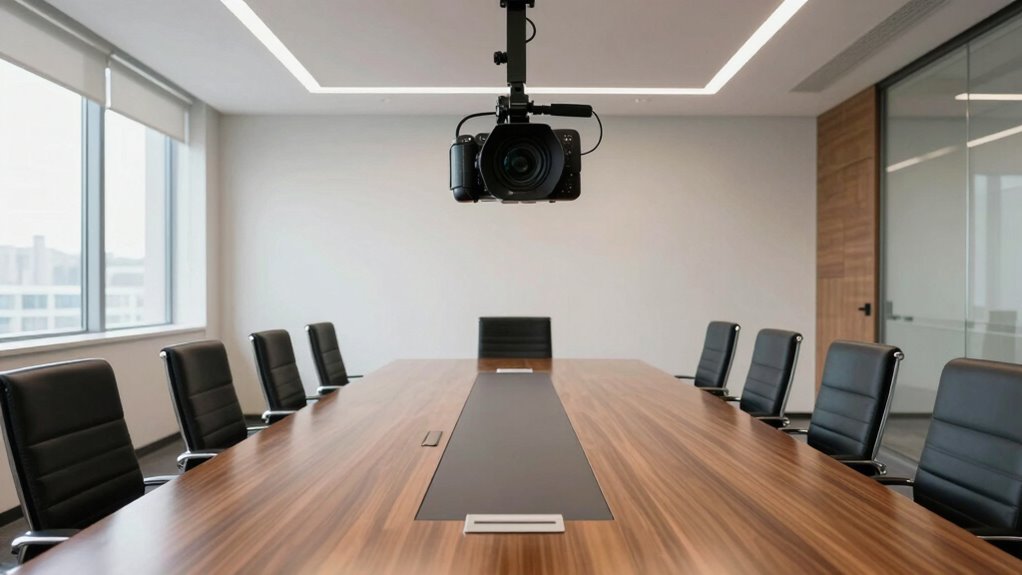
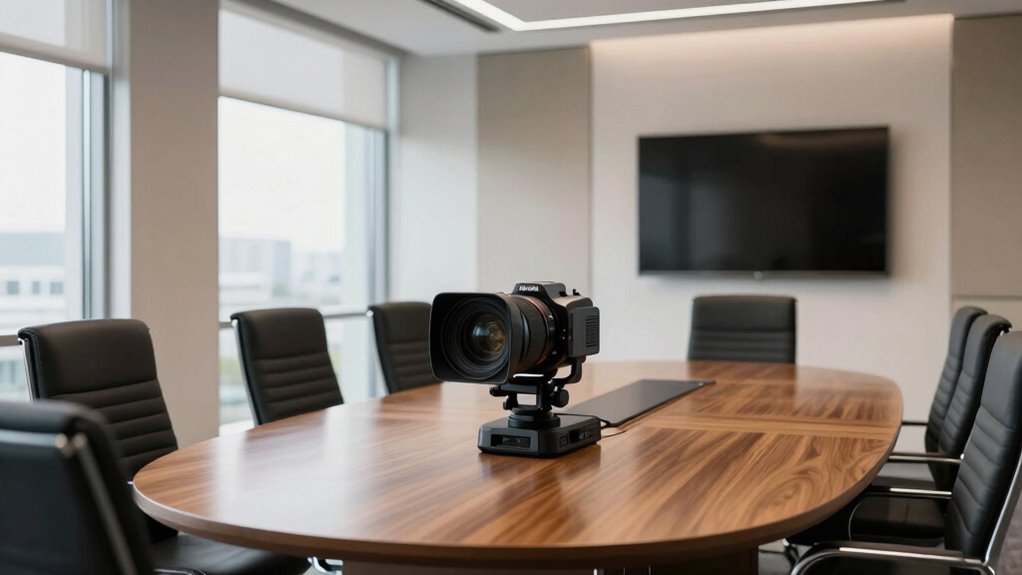
Choosing the right conference camera starts with understanding the size of your meeting space and the number of participants. When you accurately assess these factors, you can select a camera that provides clear visuals without overwhelming the room or leaving areas undercovered. For larger rooms with many participants, you’ll need a camera with a wider field of view to capture everyone comfortably. Conversely, in smaller spaces, a more focused camera that zooms in on the speaker can be more effective. Remember, the camera’s placement plays a vital role in achieving the best coverage; it should be positioned where it can capture the entire room or the main speaking area without obstructions. Placing the camera too high or too low can distort the view, so experiment with height and angle to find the ideal position.
In addition to choosing the right camera, you must consider audio synchronization. Poor synchronization between video and sound can distract participants and diminish the meeting’s effectiveness. To avoid this, ensure your camera setup supports seamless audio-visual integration. Use quality microphones positioned strategically to pick up voices clearly, especially in larger rooms. When audio is synchronized with the camera’s view, it feels more natural and engaging, making remote participants feel like they’re right there in the room. If your camera system includes built-in microphones, check their range and clarity to match your room size. Remember, the goal is to create a cohesive experience, so test the setup beforehand to address any lag or misalignment. Additionally, understanding camera field of view helps in selecting the appropriate equipment for your space. Properly considering room acoustics can also enhance audio clarity and overall meeting quality. Recognizing the importance of camera technology can further improve your setup by ensuring you choose the most suitable features for your environment. An optimal setup also involves understanding how camera placement influences overall coverage and clarity. Being aware of audio-visual synchronization is crucial for maintaining a professional and engaging meeting experience.

WYRESTORM 4K AI Tracking Conference Webcam, Auto Framing & Presenter Tracking, 120° Wide Angle, Dual Noise Cancelling Mics, Privacy Cover, USB Plug & Play, Zoom Certified for Teams Meeting Rooms
【Built for Small Conference Rooms】Designed specifically for small meeting spaces, this conference room camera system ensures every participant…
As an affiliate, we earn on qualifying purchases.
As an affiliate, we earn on qualifying purchases.
Frequently Asked Questions
Can I Use a Smaller Camera for a Large Conference Room?
You can use a smaller camera for a large conference room, but it might not deliver the best experience. Choose a camera with higher resolution to capture clear images from a distance. Also, make sure it has good audio integration so everyone can hear clearly. A compact camera with these features can work, but for ideal coverage, larger or multiple cameras are often better, especially in bigger spaces.
Does Room Shape Affect Camera Size Requirements?
Yes, room shape impacts camera size requirements. Irregular room shapes or awkward layouts can create blind spots, so you might need a larger or more flexible camera to capture everyone clearly. Room acoustics and furniture arrangement also matter—if the sound or sight lines are disrupted, a wider field of view becomes essential. Adjust your camera choice based on these factors to guarantee effective coverage and clear communication.
How Much Camera Zoom Is Needed for Long Rooms?
For long rooms, you’ll need a camera with significant zoom, like 20x or more, to capture panoramic views without losing detail. Think of zoom as your telescope, bringing distant objects closer. Higher camera resolution enhances clarity, ensuring everyone remains visible. Balance zoom and resolution to avoid pixelation while covering the room effectively, so your camera acts like a vigilant eye, capturing every corner clearly, no matter the room’s length.
What Is the Ideal Camera Placement for Optimal Coverage?
Place your conference camera at a central point, ideally at eye level, to guarantee ideal coverage of the room. Use high-resolution cameras to capture clear images, and integrate good-quality audio to complement the visuals. Position the camera to include all key participants without blocking views. This setup enhances collaboration and ensures everyone’s seen and heard clearly, creating a seamless meeting experience.
Do Lighting Conditions Influence Camera Size Selection?
Lighting conditions do influence your camera size choice. As the saying goes, “a picture is worth a thousand words,” so you want clear footage. Consider lighting considerations and choose a camera with higher sensor sensitivity in dimmer rooms. Smaller cameras with limited sensors may struggle, resulting in grainy images. Larger cameras often have better sensors, making them ideal when lighting isn’t ideal, ensuring your video stays sharp and professional.
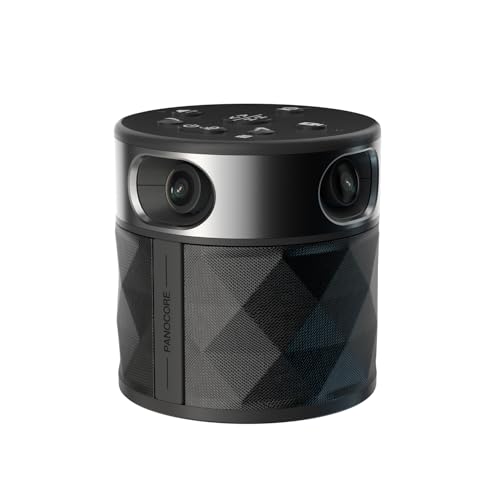
PANOCORE360 All-in-One Meeting Camera – 360° Conference Cam for PC Mac, Speaker & Mic Array, Auto Speaker Focus, 1080P Output, AI Voice Isolation, Local Recording,Compatible with Webex/Zoom/Teams/Meet
[CES Innovation Award] Highly Integrated 360° Camera Design: Four cameras, microphones, and speaker are tightly integrated at the…
As an affiliate, we earn on qualifying purchases.
As an affiliate, we earn on qualifying purchases.
Conclusion
Choosing the right conference camera might seem tricky, but with the right measurement and planning, you’ll create a seamless, professional experience. Don’t let worries about room size or technology hold you back—imagine hosting crystal-clear meetings where everyone feels connected, no matter where they’re sitting. When you size your camera correctly, it’s like opening a window to your team, making collaboration effortless and engaging. Just measure, select, and watch your meetings transform.

TONGVEO All-in-One Conference Room Video Camera System Al Auto-Tracking HD1080P 60fps 3X Optical Zoom USB3.0 HDMI PTZ Camera and Bluetooth Conference Speakerphone with Microphones
✈【All-in-1 video and audio conferencing solution】TONGVEO conference room camera system contains HD 1080p HDMI Al Auto-Tracking PTZ camera…
As an affiliate, we earn on qualifying purchases.
As an affiliate, we earn on qualifying purchases.
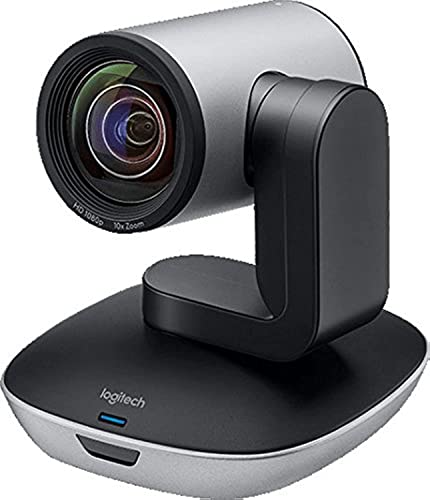
Logitech PTZ Pro 2 Camera – USB HD 1080P Video Camera for Conference Rooms
Ideal for conference rooms, training environments, large events and other Professional video applications
As an affiliate, we earn on qualifying purchases.
As an affiliate, we earn on qualifying purchases.