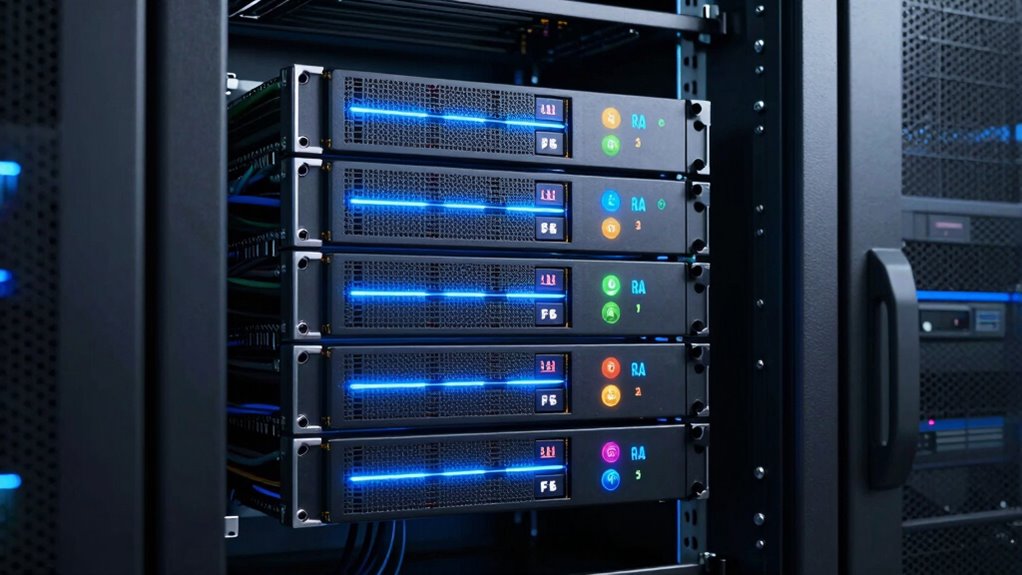

Before choosing a RAID level for your small business, it’s crucial to understand key options. RAID 1 offers simple data mirroring for high protection, while RAID 5 balances fault tolerance and cost with distributed parity. RAID 10 combines speed and redundancy but requires more drives. Your decision depends on your data needs, budget, and downtime tolerance. Want to discover how each setup can safeguard your business, so you’re prepared in any crisis?

Get smart everyday buys delivered free — and shop member deals
- Fast, free delivery on millions of items
- Access to Prime Big Deal Days deals on October 6–7
- Prime Video, Amazon Music and more included
Key Takeaways
- Understand different RAID levels (RAID 1, 5, 10) and their trade-offs between performance, redundancy, and cost.
- Assess your data protection needs versus budget to choose the most suitable RAID configuration.
- Know that RAID 1 offers high redundancy but doubles storage costs, ideal for critical data.
- Recognize RAID 5’s balance of fault tolerance and cost efficiency, suitable for moderate data volume.
- Consider hardware requirements and downtime tolerance when selecting a RAID level for your business.
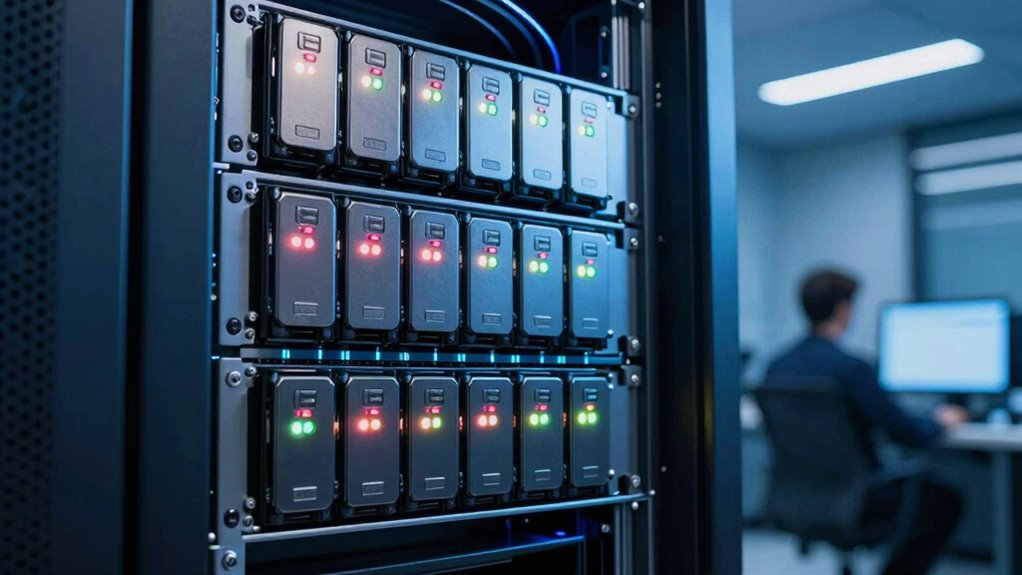
Are you wondering how to protect your small business data without breaking the bank? Choosing the right RAID level can seem overwhelming, but understanding the basics helps you make smarter decisions. RAID, or Redundant Array of Independent Disks, combines multiple drives to improve performance, data protection, or both. For small businesses, balancing data recovery needs with cost considerations is crucial. Different RAID levels offer various advantages and trade-offs, so you should consider what’s most important for your operations.
Choosing the right RAID level balances data protection, performance, and budget for small business resilience.
If you’re concerned about data recovery, RAID 1 might catch your eye. It mirrors your data across two drives, so if one fails, your information remains intact on the other. This setup offers excellent data protection, minimizing downtime and making data recovery straightforward. However, it comes with higher cost considerations because you need twice the storage capacity—you’re effectively paying for redundant drives. While this redundancy is valuable, it’s essential to evaluate whether the added expense aligns with your budget and data recovery priorities.
RAID 5 is another popular choice for small businesses looking for a balance between cost and protection. It distributes data and parity information across three or more drives, allowing for a single drive failure without data loss. When a drive fails, you can replace it, and the system rebuilds the lost data. This setup provides a good mix of performance, fault tolerance, and cost efficiency. Still, keep in mind that during rebuilds, your system might slow down, and data recovery can take time if multiple drives fail simultaneously. It’s a practical option if you want to optimize storage space while maintaining a decent level of data safety. Additionally, understanding the importance of drone bees and hive stability can remind small businesses of the value of maintaining a stable and resilient environment—whether in nature or in data management. Recognizing the different RAID configurations helps in selecting the most suitable setup for your needs. Moreover, considering the cost of hardware involved in different RAID setups is crucial for keeping your investments aligned with your business budget.
Alternatively, RAID 10 combines the benefits of mirroring and striping, offering high performance and fault tolerance. It requires at least four drives, with data mirrored across pairs and then striped for speed. This level is excellent if your small business relies heavily on continuous access to data, but it’s also one of the more expensive options because of the hardware requirements. If uptime and quick data recovery are critical, RAID 10 could be worth the investment, though you’ll need to weigh that against your budget constraints. Moreover, understanding storage redundancy can help in appreciating how RAID levels safeguard your data through different methods.
Ultimately, your choice depends on your specific needs—how much data you handle, your tolerance for downtime, and your budget. Considering data recovery options and understanding the cost considerations for each RAID level will help you build a storage solution that protects your business without overspending. Keep these factors in mind as you plan your data infrastructure, ensuring your small business stays resilient and efficient.
As an affiliate, we earn on qualifying purchases.
Frequently Asked Questions
How Does RAID Impact Data Recovery Speed?
RAID impacts data recovery speed by balancing data redundancy and recovery time. With higher redundancy levels, like RAID 5 or 6, recovery takes longer because the system rebuilds lost data from parity information. Conversely, RAID 0 offers faster recovery but no redundancy, risking data loss. So, when choosing a RAID level, consider how much you prioritize quick recovery versus data protection.
Are There Costs Associated With Implementing RAID?
Coincidences happen when you realize there are costs associated with implementing RAID. You’ll need to take into account hardware expenses like extra drives and controllers, which can add up quickly. Additionally, some RAID configurations may require more advanced hardware or software, increasing your overall costs. These cost considerations are important because they impact your initial investment and long-term maintenance, so weigh them carefully before choosing the right RAID level for your small business.
Can RAID Prevent All Types of Data Loss?
RAID can’t prevent all types of data loss, but it does provide data redundancy, protecting you against hardware failure. If a disk fails, RAID can often keep your data safe and allow for quick recovery. However, RAID doesn’t defend against accidental deletion, malware, or natural disasters. To fully safeguard your data, combine RAID with regular backups and security measures.
What Is the Best RAID Level for Remote Offices?
Imagine your remote office handles customer data daily, and you need reliable storage. The best RAID level for remote offices is often RAID 1, which mirrors your data across two disks, providing redundancy if one fails. This setup guarantees minimal downtime and data protection, essential for remote office operations. Proper RAID selection safeguards your business continuity, even when your team is miles away from your main location.
How Does RAID Affect System Performance During Backups?
During backups, RAID can impact system performance, especially if hardware compatibility isn’t ideal. Some RAID levels, like RAID 10, offer better performance but may increase energy consumption due to more drives spinning simultaneously. You might notice slower backup speeds with certain RAID configurations if your hardware isn’t designed to handle high data loads efficiently. Choosing the right RAID level helps balance performance, energy use, and hardware compatibility for smoother backups.
As an affiliate, we earn on qualifying purchases.
Conclusion
Just like the hero choosing the right armor for a quest, selecting the right RAID level shields your small business’s data. Whether you opt for the speed of RAID 0 or the security of RAID 6, understanding your needs guarantees you’re prepared for any challenge. Remember, in the world of data, knowledge is your greatest armor—so choose wisely, and your business will stand strong against the unexpected, much like a legendary fortress in a timeless tale.
As an affiliate, we earn on qualifying purchases.
small business data redundancy solutions
As an affiliate, we earn on qualifying purchases.
As an affiliate, we earn on qualifying purchases.
Fall Picks
fall essentials
As an affiliate, we earn on qualifying purchases.