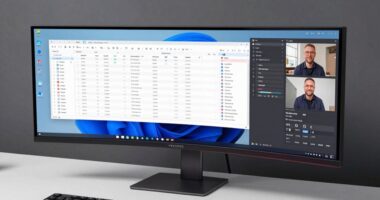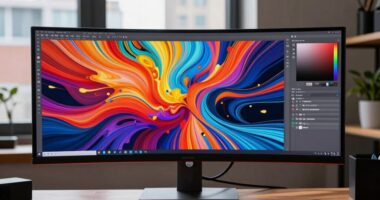
Choosing between curved and flat ultrawide monitors depends on your main use and workspace preferences. If you want immersive visuals for gaming or video editing, a curved monitor aligns with your eye’s natural perspective, reducing strain. For tasks like coding or multitasking, flat screens offer a clear, distortion-free view and are easier to position. To find out which setup really makes sense for your needs, keep exploring different options and features.
Key Takeaways
- Curved ultrawide monitors offer immersive visuals and reduced glare, ideal for gaming and multimedia tasks.
- Flat ultrawides provide consistent image quality and are better suited for detailed work and multi-monitor setups.
- Curved screens align with the eye’s perspective, minimizing strain during extended use, while flat screens are easier to position.
- Flat monitors are simpler to clean and maintain, fitting into minimalist, versatile workspaces.
- Choose based on your primary use: immersive experience and ergonomics for curved, practicality and multitasking for flat ultrawides.
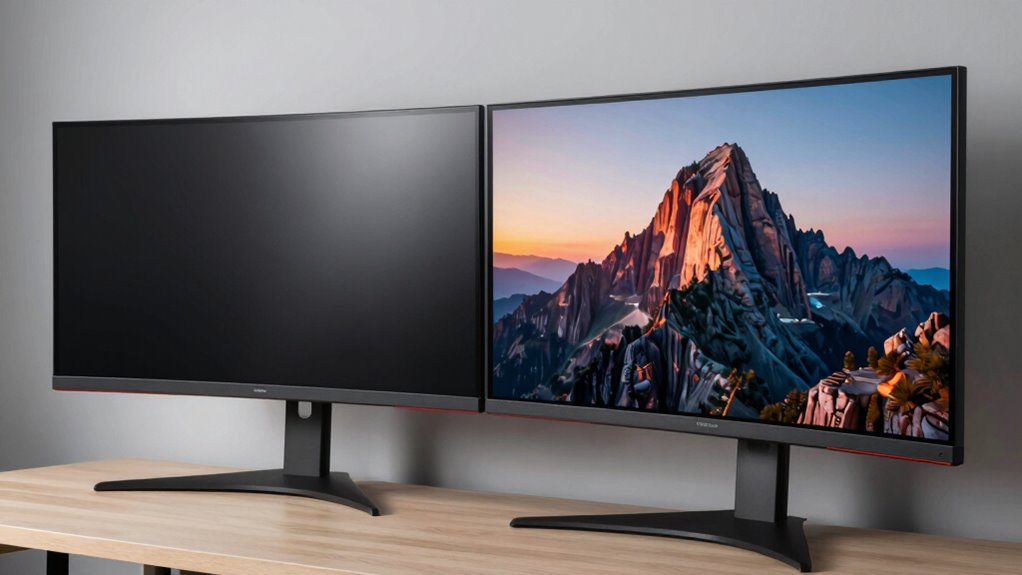
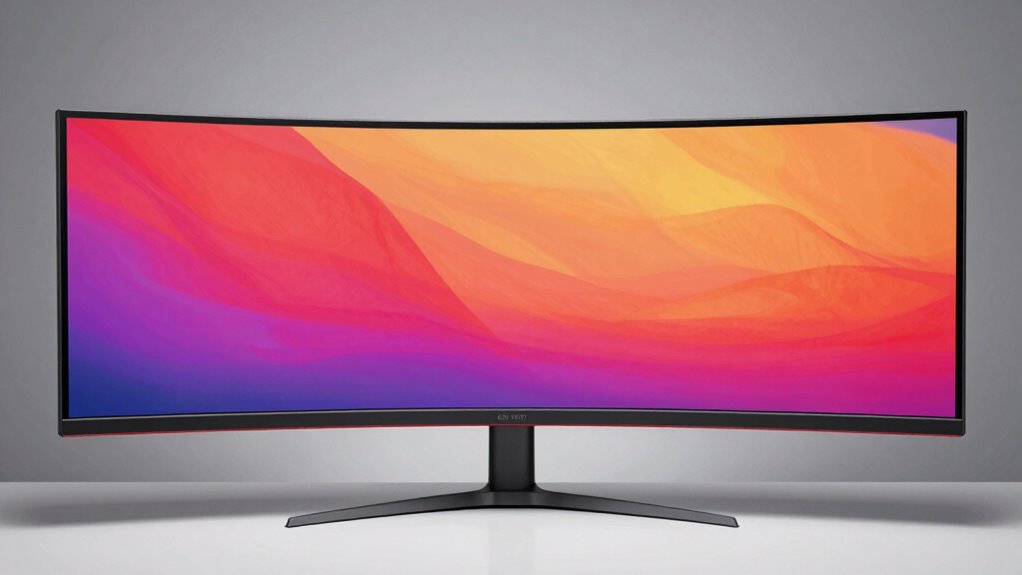
Are curved and flat ultrawide monitors truly different in performance and experience? When you’re deciding between the two, it’s important to understand how each setup impacts your daily use. Curved monitors are designed to wrap around your field of view, providing a more immersive experience that minimizes distortion at the edges. This curvature can offer ergonomic benefits by reducing the need for you to turn your head or shift your gaze frequently, especially when working on multiple windows or long gaming sessions. The natural curve aligns more closely with your eye’s perspective, potentially decreasing eye strain and fatigue. In contrast, flat ultrawide monitors deliver a straightforward, uniform display that’s easier to position precisely on your desk. They often have a sleek, minimalist aesthetic appeal that appeals to users who prefer a clean, modern look. Flat screens also tend to be more compatible with multiple monitor setups, allowing seamless alignment across several displays, which can be advantageous if you need expansive screen real estate. Additionally, the difference in how each type handles visual distortion can influence your viewing comfort over extended periods.
Curved monitors enhance immersion and ergonomics, while flat screens offer seamless multi-monitor setups and a sleek, modern look.
From a performance standpoint, the difference often comes down to your specific needs. If you prioritize immersive gaming or video editing, curved monitors tend to enhance your experience by wrapping visuals around you, which makes the content feel more natural and engaging. The curvature also helps reduce glare and reflections from ambient light, providing clearer visuals in various lighting conditions. However, for tasks like coding or detailed design work, some users find flat monitors better because they offer a consistent, distortion-free image across the entire screen. You might also prefer flat displays if you work with multiple monitors, since they can be aligned seamlessly without the curved edge creating a mismatch.
When it comes to aesthetic appeal, curved monitors exude a futuristic, high-tech vibe that can make your workspace look more dynamic. They’re often seen as more stylish and modern, which is a plus if you want your setup to stand out. Flat ultrawide monitors, on the other hand, tend to look more understated and versatile, fitting into a variety of workspace styles without drawing too much attention. They also tend to be easier to clean and maintain, since the flat surface doesn’t have curves that trap dust or fingerprints.
Ultimately, your choice depends on your priorities. If you want a more immersive experience with ergonomic benefits and a bold visual statement, a curved ultrawide might make the most sense. But if you prefer a simple, versatile, and aesthetically sleek setup, then a flat ultrawide might be the better option. Either way, understanding the differences helps you make an informed decision that aligns with your workflow and personal style.

Sceptre 34-Inch Curved Ultrawide WQHD Monitor (3440 × 1440), R1500, up to 180Hz/165Hz, DisplayPort x2, 99% sRGB, 1ms, Built-in Speakers, Machine Black, 2025 (C345B-QUT168)
1ms MPRT: Colors fade and illuminate instantly with a 1ms response time, eliminating ghosting and piecing together precise…
As an affiliate, we earn on qualifying purchases.
As an affiliate, we earn on qualifying purchases.
Frequently Asked Questions
How Do Curved Monitors Affect Eye Strain During Long Gaming Sessions?
Curved monitors can reduce eye strain during long gaming sessions because they minimize light reflection and glare, helping your eyes focus more naturally. The ergonomic comfort of a curved screen also means you don’t have to turn your head as much, reducing fatigue. Overall, the gentle curve aligns better with your eye’s natural shape, making extended play more comfortable and less tiring.
Are Curved Ultrawide Monitors Suitable for Color-Critical Professional Work?
Curved ultrawide monitors aren’t ideal for color-critical work because they can introduce visual distortion, affecting color accuracy. The curve can make colors appear inconsistent across the screen, which is problematic for precision tasks like photo editing or design. If color accuracy is your priority, a flat monitor with high-quality color calibration is a better choice, ensuring consistent and true-to-life visuals without distortion.
What Is the Cost Difference Between Curved and Flat Ultrawide Monitors?
While the difference in price comparison between curved and flat ultrawide monitors isn’t overwhelming, curved models often carry a slightly higher price tag, reflecting their advanced design. An affordability analysis shows that flat monitors tend to be more budget-friendly, making them accessible for most users. If you’re seeking a cost-effective option with broad capabilities, flat ultrawide monitors could be the more practical choice.
Can Curved Monitors Be Effectively Used for Multi-Monitor Setups?
Yes, curved monitors work well for multi-monitor setups. They enhance ergonomic benefits by reducing eye strain and neck movement, providing a more natural viewing experience. Plus, their aesthetic appeal creates a seamless, immersive look, especially when aligned correctly. This setup minimizes gaps between screens, making your workspace more cohesive and visually appealing. Overall, curved monitors simplify multi-monitor arrangements while boosting comfort and style.
Do Curved Ultrawide Monitors Require Special Calibration or Adjustments?
Curved ultrawide monitors might need some brightness calibration and color adjustment to look their best, especially if you notice uneven lighting or color inconsistencies. You don’t require special calibration tools, but adjusting settings through the on-screen menu or your computer’s display software helps achieve the best image quality. Take time to fine-tune brightness, contrast, and color balance, ensuring a seamless, immersive experience whether gaming, working, or editing.

Samsung 34" ViewFinity S50GC Series Ultrawide QHD Monitor, 100Hz, 5ms, HDR10, AMD FreeSync, Ultrawide Screen, Eye Care, Thin Bezels, PIP, PBP, LS34C50DGANXZA, 2023, Black
HANDPICKED BY AMAZON: They did the research, so you don’t have to
As an affiliate, we earn on qualifying purchases.
As an affiliate, we earn on qualifying purchases.
Conclusion
Choosing between curved and flat ultrawide monitors depends on your preferences, but remember, a curved screen can wrap around you like a cozy blanket, immersing you in your work or gaming. If you picture yourself effortlessly gliding from edge to edge, the curved design might feel more natural and comfortable. So, don’t just settle for a flat screen—imagine yourself fully immersed, with every detail perfectly within reach, making your setup feel truly tailor-made.

Dell 34 Plus USB-C Curved Monitor – S3425DW – 34-inch (3440 x 1440) up to 120 Hz 21:9 Display, VA Panel, AMD FreeSync Premium, 99% sRGB, 95% DCI-P3, Integrated Speakers, 3000:1 Contrast Ratio
Improved ComfortView Plus: Reduces harmful blue light emissions to ≤35%, for all-day comfort without sacrificing color accuracy.
As an affiliate, we earn on qualifying purchases.
As an affiliate, we earn on qualifying purchases.
Samsung 34" ViewFinity S50GC Series Ultrawide QHD Monitor, 100Hz, 5ms, HDR10, AMD FreeSync, Ultrawide Screen, Eye Care, Thin Bezels, PIP, PBP, LS34C50DGANXZA, 2023, Black
HANDPICKED BY AMAZON: They did the research, so you don’t have to
As an affiliate, we earn on qualifying purchases.
As an affiliate, we earn on qualifying purchases.