
To choose the right ultrawide monitor size for productivity, think about your workspace and how much screen real estate you need for multitasking. Larger screens, like 34 to 38 inches, provide more room but require ample desk space. Measure your workspace and viewing distance to find a comfortable fit. Also, think about curvature for immersion and calibration needs for color accuracy. If you want to optimize your setup, there’s more to consider that can help you make the best choice.
Key Takeaways
- Measure your desk space and viewing distance to ensure the monitor fits comfortably without cluttering your workspace.
- Choose a size (34-38 inches) for a balance between immersive view and practical desk accommodation.
- Consider curved screens for larger sizes to reduce glare and improve comfort during extended use.
- Match monitor resolution to size for sharp visuals—higher resolutions suit bigger screens for clarity.
- Prioritize calibration features to maintain color accuracy, especially for detail-critical and creative tasks.
When selecting an ultrawide monitor, understanding your specific needs and workspace setup is essential. The size you choose directly impacts your productivity, comfort, and overall experience. First, consider how you’ll use the monitor. If your tasks involve detailed design work or color-critical tasks like photo editing, you’ll want a display with excellent color calibration capabilities. Accurate color reproduction ensures your work looks consistent across different devices and applications. For creative professionals, a monitor with precise color calibration is indispensable, so don’t overlook models that offer factory calibration or easy calibration options.
Next, think about your workspace dimensions. Larger screens provide more visual real estate, but they also require ample desk space. An ultrawide monitor typically ranges from 34 to 49 inches diagonally, so measure your desk and viewing distance before making a decision. If your workspace is limited, a 34- to 38-inch model might be more practical, offering wide viewing without overwhelming your setup. For those with room to spare, a bigger screen can boost multitasking by allowing multiple windows and applications to be open side-by-side.
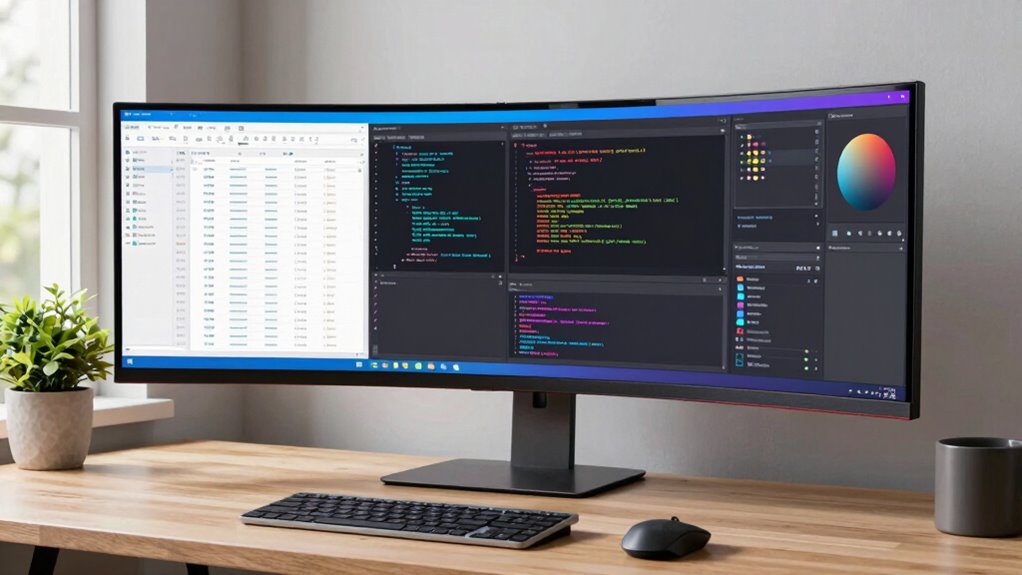
Screen curvature also plays a critical role in choosing the right size. Curved screens help reduce glare and make the display feel more immersive, especially on larger models. If you’re considering a 34-inch or larger ultrawide, a curved screen can minimize distortion at the edges and improve viewing angles, making long work sessions more comfortable. Conversely, flat screens might suit smaller sizes or environments where minimal distortion is preferred, such as collaborative settings or shared desks.
The resolution is equally important. Higher resolutions like 3440×1440 or 3840×1600 provide sharper images, which is beneficial for detailed work and enhances the visual experience. Larger monitors with lower resolutions can appear pixelated or blurry, undermining your productivity and enjoyment. color calibration options can help ensure consistent and accurate colors across your tasks. Additionally, understanding monitor resolution helps you select a display that matches your workflow and visual preferences.
Finally, think about your intended tasks and how the monitor’s size influences your workflow. Larger screens can increase productivity by reducing the need to switch between tabs and windows, but they also demand a greater investment in space and potentially higher costs. Balancing size, screen curvature, resolution, and color calibration ensures you select an ultrawide monitor that not only fits your workspace but truly enhances your productivity and comfort.
34 inch ultrawide monitor with high resolution
As an affiliate, we earn on qualifying purchases.
As an affiliate, we earn on qualifying purchases.
Frequently Asked Questions
How Does Monitor Size Affect Desk Space?
The monitor size directly impacts your desk space, with larger screens taking up more room and potentially causing desk clutter. If you opt for a bigger ultrawide monitor, you’ll need to prioritize space optimization to keep your workspace tidy. Smaller monitors leave more room for accessories and movement, but might limit your multitasking capabilities. Choose a size that balances productivity needs with available desk space to maintain an organized, efficient workspace.
Can Ultrawide Monitors Cause Eye Strain?
Yes, ultrawide monitors can cause eye strain if you don’t prioritize eye comfort. Their large screens may lead to increased visual fatigue, especially if you sit too close or don’t adjust brightness and contrast settings. To minimize discomfort, take regular breaks, use proper lighting, and make sure your monitor’s position is at eye level. These steps help reduce eye strain and promote better eye comfort during extended use.
What Is the Ideal Resolution for Productivity?
The ideal resolution for productivity is at least 2560×1080, which offers plenty of screen space for multitasking. To maximize efficiency, guarantee your monitor is properly calibrated for accurate colors and sharp images. Good screen calibration reduces eye strain and enhances color accuracy, making it easier to work on detailed tasks like design or editing. Higher resolutions like 3440×1440 can further boost productivity if your hardware supports it.
How Does Monitor Size Impact Multitasking?
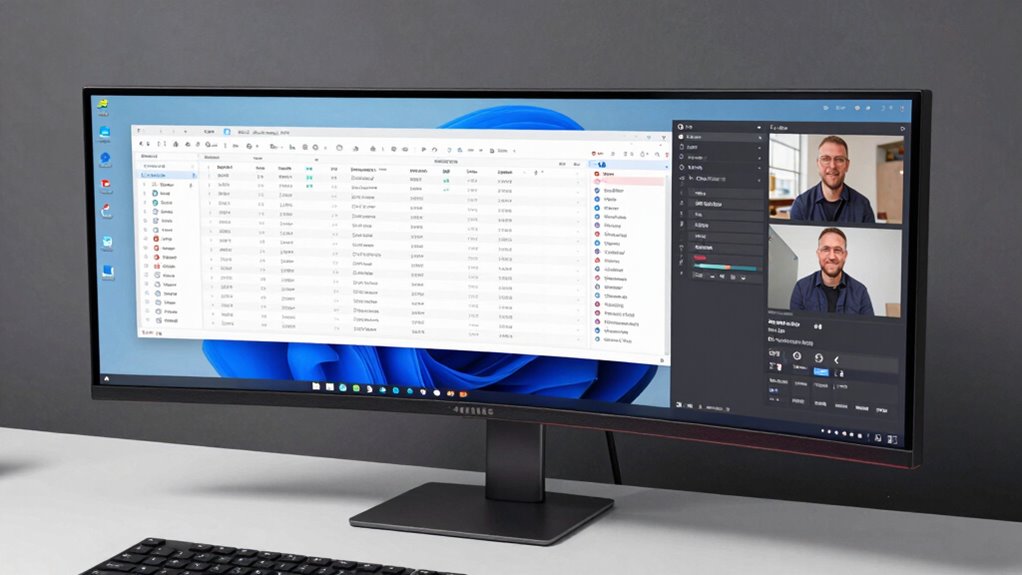
You might think a bigger monitor always boosts multitasking efficiency, but it’s not just about size; it’s about how you use screen real estate. Larger ultrawide monitors give you more space to spread out multiple windows, reducing constant switching. This setup improves your ability to manage several tasks simultaneously, making work smoother and more efficient. So, a well-chosen size can genuinely enhance your multitasking, if it fits your workflow.
Are Curved Ultrawide Monitors Better for Work?
Curved ultrawide monitors are better for work because they enhance ergonomic comfort and boost visual immersion. The curved design reduces eye strain by keeping your focus consistent across the screen, making long work sessions more comfortable. Plus, the immersive curve helps you see more of your workspace without moving your head, increasing efficiency. If you prioritize comfort and want a more engaging viewing experience, a curved ultrawide monitor is a smart choice.
curved ultrawide monitor for productivity
As an affiliate, we earn on qualifying purchases.
As an affiliate, we earn on qualifying purchases.
Conclusion
Choosing the right ultrawide monitor size can boost your productivity and enhance your workspace, but don’t get overwhelmed by options. Remember, bigger isn’t always better—consider your desk space and how you plan to use it. If you’re worried about fitting it into your setup, start with a moderate size that offers ample screen real estate without overwhelming your area. With the right choice, you’ll enjoy a seamless, immersive experience without sacrificing comfort or functionality.
color calibrated ultrawide monitor
As an affiliate, we earn on qualifying purchases.
As an affiliate, we earn on qualifying purchases.
best ultrawide monitor for multitasking
As an affiliate, we earn on qualifying purchases.
As an affiliate, we earn on qualifying purchases.