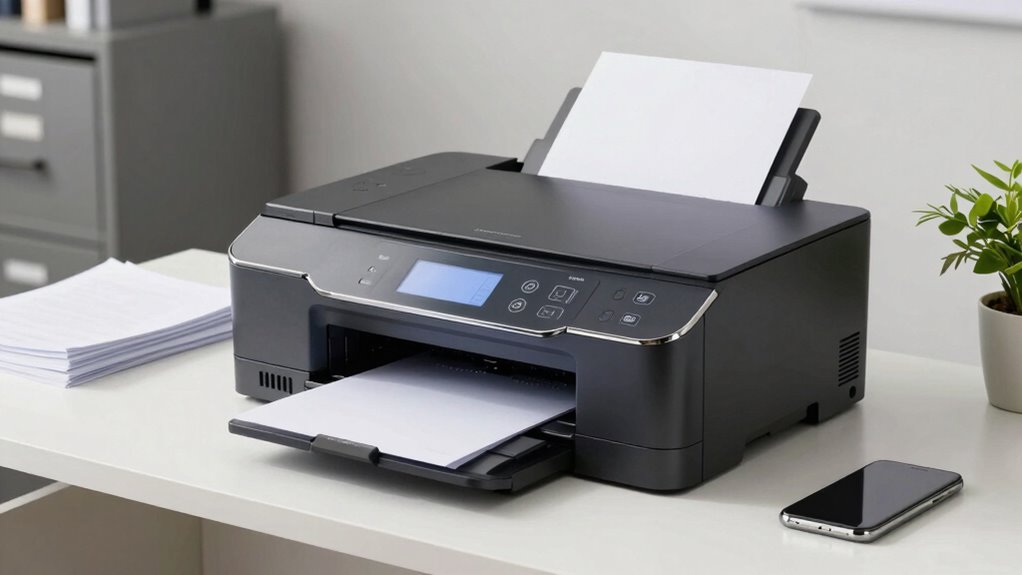

Many office buyers overlook the printer duty cycle, but it’s an essential metric that impacts your printer’s longevity and performance. Ignoring it can lead to quicker wear, breakdowns, and costly repairs. By understanding and staying within the duty cycle limits, you can prevent damage, guarantee consistent quality, and save money in the long run. Stay tuned to discover how monitoring this metric helps you make smarter choices and avoid unnecessary trouble.

Get smart everyday buys delivered free with Prime
- Fast, free delivery on millions of items
- Prime Video, Amazon Music and more included
- Member-only deals all year
Key Takeaways
- Many buyers overlook duty cycle, risking premature printer failure and higher maintenance costs.
- Ignoring duty cycle can lead to overloading printers, causing wear on critical components.
- Properly assessing duty cycle ensures the chosen printer matches office workload, enhancing reliability.
- Monitoring duty cycle helps extend printer lifespan and prevents costly breakdowns.
- Understanding duty cycle promotes sustainable, cost-effective printing practices by avoiding overuse.
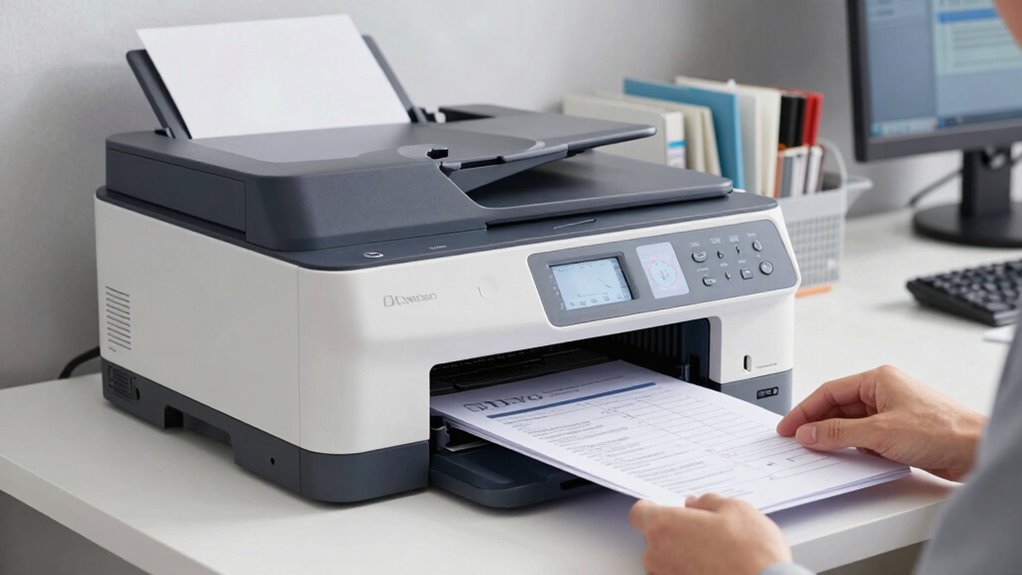
Understanding your printer’s duty cycle is essential to guarantee it performs reliably without damage. This metric indicates how many pages your printer can handle in a month without risking wear and tear that could lead to breakdowns or reduced lifespan. Many buyers overlook this critical detail, but ignoring it can cause serious issues down the line. When your printer exceeds its duty cycle, components like the imaging drum or rollers may wear out prematurely, leading to increased maintenance costs and downtime. By paying attention to this figure, you ensure your printer is suited to your workload, saving you time and money in the long run.
Monitoring your printer’s duty cycle ensures reliable performance and prevents costly repairs over time.
One often underestimated aspect tied to the duty cycle is how ink absorption and toner efficiency impact overall printer performance. With inkjet printers, ink absorption plays an important role; if your printer is pushed beyond its recommended capacity, the ink may not absorb properly, resulting in smudging, streaks, or faded prints. Overworking the printer can also lead to clogged nozzles, which diminishes print quality and forces costly repairs. For laser printers, toner efficiency is equally significant. When operated beyond their duty cycle, toner cartridges may not distribute toner evenly, causing inconsistent print quality, increased waste, and higher replacement costs. Maintaining the right balance between workload and printer capacity ensures high toner efficiency and ideal ink absorption, leading to crisp, clear prints and better resource utilization. Additionally, understanding the duty cycle can help you optimize your printer’s lifespan by preventing unnecessary strain on its components. Recognizing the importance of printer specifications can further aid in selecting a model that aligns with your printing needs and reduces operational issues. Moreover, understanding actual workload helps in planning maintenance schedules and avoiding unexpected downtime. Informed decisions regarding performance metrics can also lead to more sustainable and cost-effective printing practices. Being aware of the manufacturer’s recommended duty cycle can also guide you in choosing a model that best fits your expected usage.
Understanding the duty cycle also helps you select the right printer for your needs. If your office prints thousands of pages monthly, a model designed for high-volume use is a smarter investment than a standard unit meant for occasional printing. This alignment reduces the risk of overheating or component failure and ensures your printer maintains consistent quality. Additionally, staying within recommended duty cycle limits helps preserve the longevity of critical components, such as the fuser or print head, which are sensitive to overuse. This proactive approach can extend the lifespan of your printer and keep your workflow smooth without interruptions.
In essence, the duty cycle acts as a guide to sustainable usage. It’s about not just meeting your printing demands but doing so responsibly. Recognizing its importance helps you avoid unnecessary repairs and ensures your printer functions efficiently over time. By understanding how ink absorption and toner efficiency are affected when operating within or beyond its capacity, you gain a clearer picture of how to optimize your printing environment. Ultimately, paying attention to the duty cycle is a simple yet powerful step toward maintaining a reliable, cost-effective, and high-performing office printer.
Products Worth Considering

Brother INKvestment 5010 Wireless Color Inkjet All-in-One Printer with Automatic Duplex Printing, Copying, and Scanning

Brother Work Smart 1360 Wireless Color Inkjet All-in-One Printer

Dell 27 Plus QHD Monitor (S2725DSM), 27-inch, 144Hz, Ash White
As an affiliate, we earn on qualifying purchases.
Frequently Asked Questions
How Does Duty Cycle Affect Printer Longevity?
You should know that a higher duty cycle can positively impact your printer’s longevity, provided you stick to proper printer maintenance. When you operate within recommended limits, your printer stays efficient, with toner working better and lasting longer. Ignoring duty cycle risks overworking your device, leading to faster wear and tear. So, managing duty cycle helps prevent breakdowns, boosts toner efficiency, and guarantees your printer lasts longer.
Can Duty Cycle Estimates Be Inaccurate?
Imagine your printer’s duty cycle estimates as a rough map, not a perfect GPS. Usage patterns and maintenance scheduling can throw these estimates off, making them inaccurate. Heavy use or irregular schedules may cause the numbers to mislead, leading you to underestimate or overestimate your printer’s capacity. Regularly monitor actual performance, not just the estimates, to guarantee your printer stays reliable and lasts longer.
What’s the Difference Between Duty Cycle and Recommended Monthly Volume?
The duty cycle shows the maximum pages a printer can handle in a month, while the recommended monthly volume suggests a more realistic, sustainable workload. Ignoring this difference can lead to maintenance issues or higher energy consumption. You should follow the recommended volume to keep your printer in good shape and reduce energy use, ensuring it operates efficiently and lasts longer.
How Should Duty Cycle Influence Printer Selection?
You should prioritize duty cycle when choosing a printer because it guarantees the machine can handle your workload without breakdowns. A higher duty cycle supports consistent performance, especially for tasks demanding color accuracy and extensive paper handling. Ignoring this metric risks frequent jams and poor print quality, which can disrupt your workflow. Match the duty cycle to your monthly volume to keep operations smooth and maintain high-quality output.
Does Duty Cycle Impact Print Quality?
Yes, duty cycle can impact print quality, especially if you push your printer beyond its recommended limits. When you exceed the duty cycle, you might experience slower print speeds, frequent cartridge replacements, or even smudged prints. Staying within the duty cycle ensures your printer operates smoothly, maintaining consistent print quality and cartridge life. Always choose a printer with an appropriate duty cycle for your volume to avoid these issues.
Conclusion
Don’t overlook the printer duty cycle. Don’t ignore how much your printer can handle daily, weekly, or monthly. Don’t underestimate the importance of matching your printer’s capacity to your office’s needs. By paying attention to duty cycles, you guarantee longevity, efficiency, and cost-effectiveness. Make informed choices, monitor usage, and optimize performance. When you prioritize duty cycle, you prioritize your office’s productivity, your budget, and your peace of mind.